Previewing your app

There are two main ways to preview your app:
  • In your browser from the App Preview page
  • On your mobile device using the Woz app
Both options let you experience your app the way real users will.

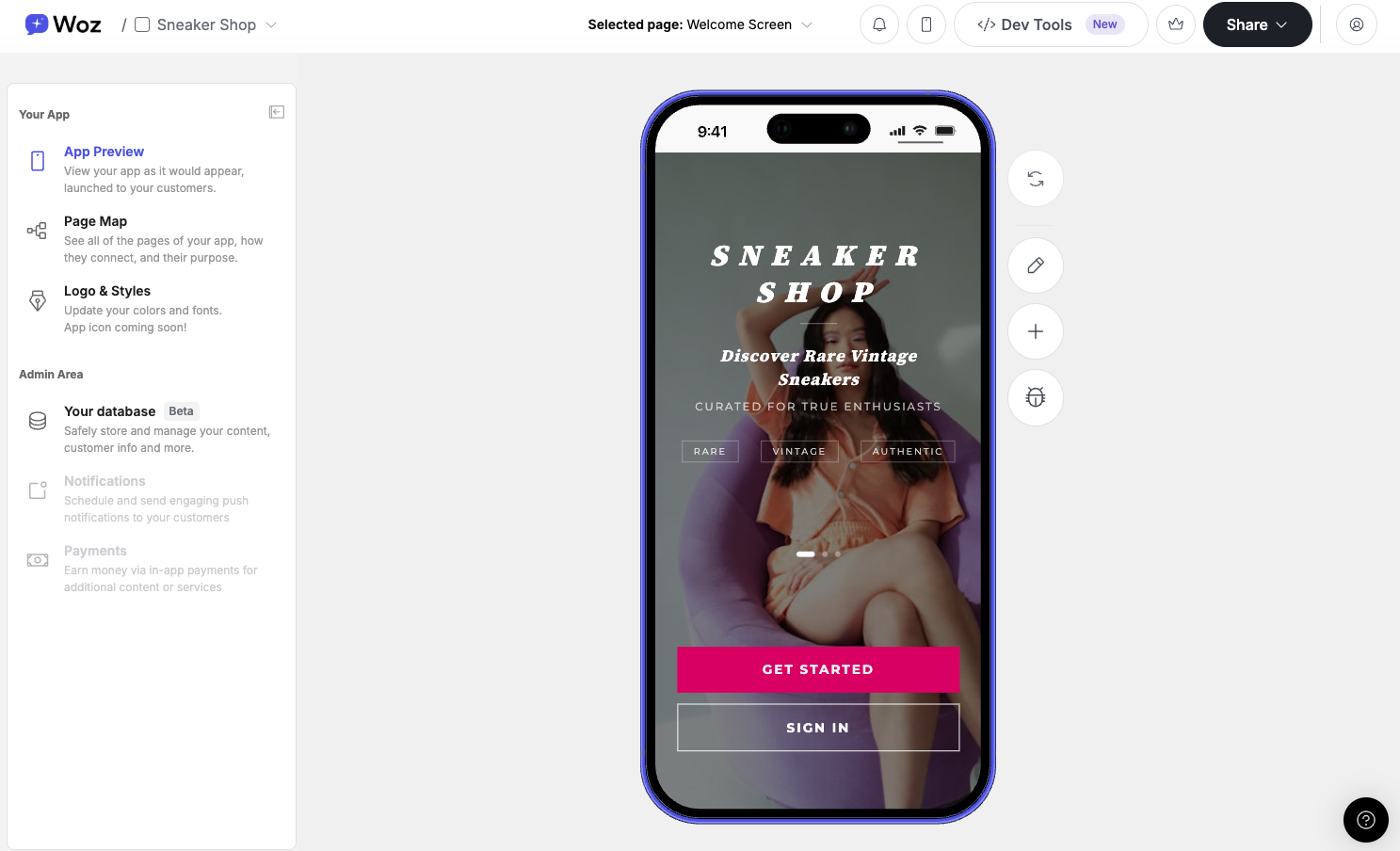
Preview in the browser

The fastest way to test your app is directly on the App Preview page. App Preview page showing mobile app preview in browser

Preview on your mobile device

To see how your app looks and feels on a real phone, you can preview it directly on your device using the Woz iOS app.

How it works

  1. In Woz, click the phone icon in the top navigation bar
  2. A QR code will appear
  3. Scan the QR code with your phone
To view the preview, you’ll first need to:
  • Download the Woz iOS app. You can download the Woz iOS app here.
At this time, mobile preview is supported on iOS only.
Preview your app modal showing QR code for mobile preview

Sharing your app

It’s easy to share your app with family, friends, teammates, or customers so they can explore it and give feedback.

How to share your app

  1. Go to the App Preview page
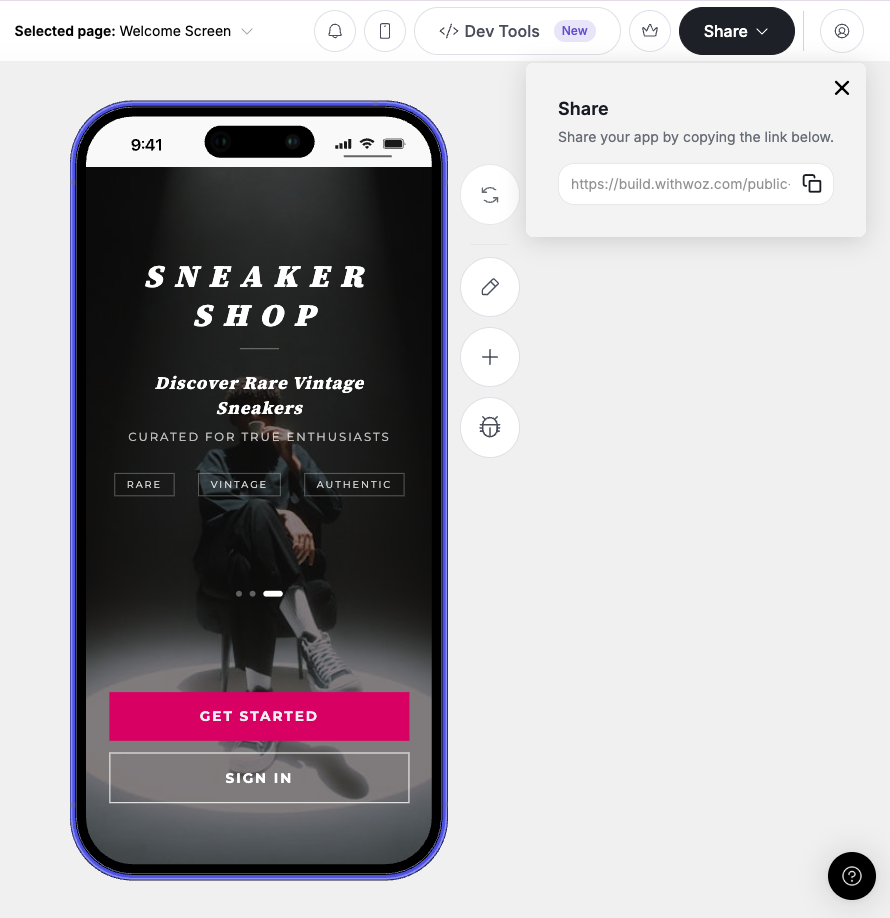
  2. In the top navigation bar, click the Share button
  3. Copy the shareable link
Share button and shareable link interface Anyone with this link can:
  • View your app on the web
  • Open and test your app in the Woz iOS app
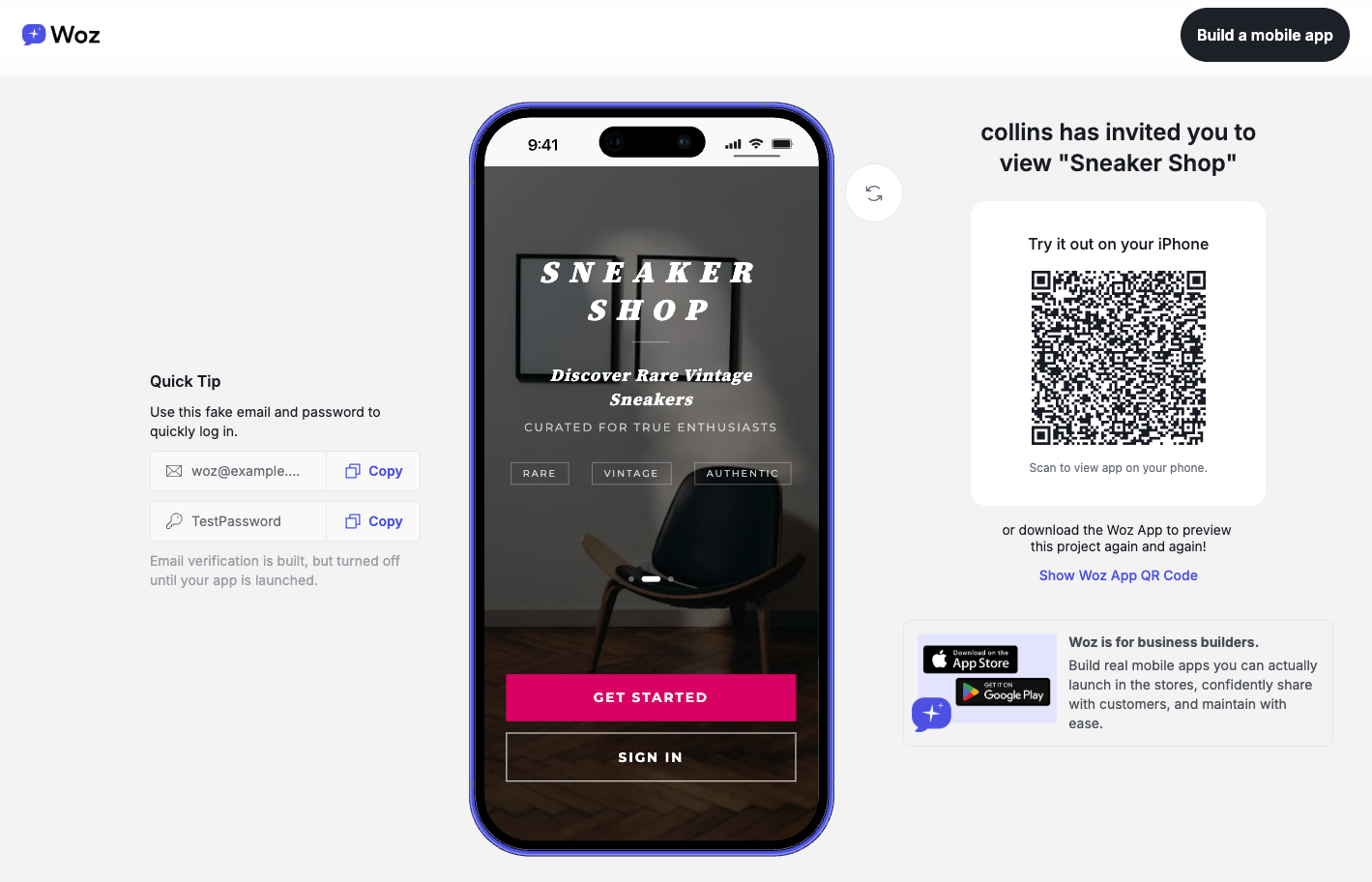
See shareable preview below: Shareable preview interface